

See It In Action
From Zero to in Control In Under a Minute
You don't need a tutorial. Here's what your first 60 seconds look like:
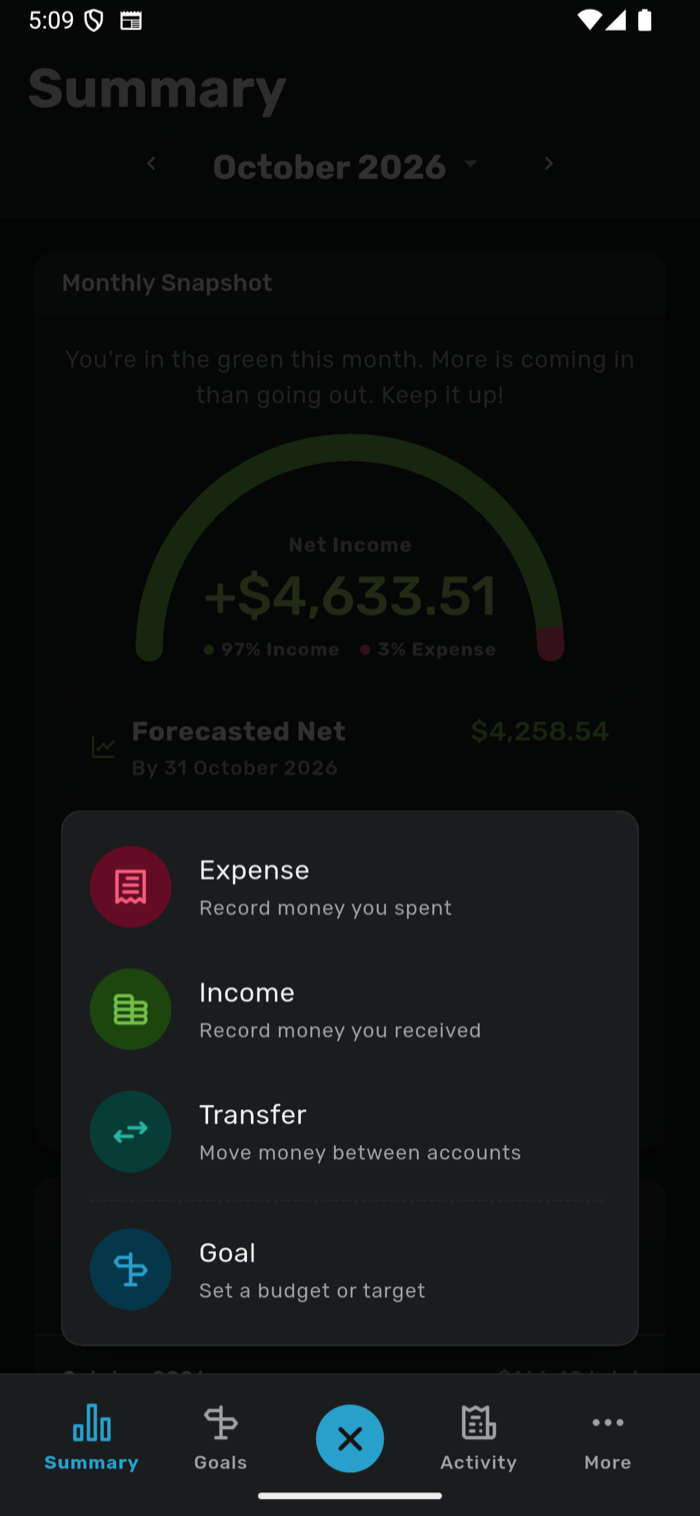
Log Your First Expense
Tap the floating Add button, pick a category, and enter the amount. It takes about 10 seconds. That's it, your first expense is recorded.
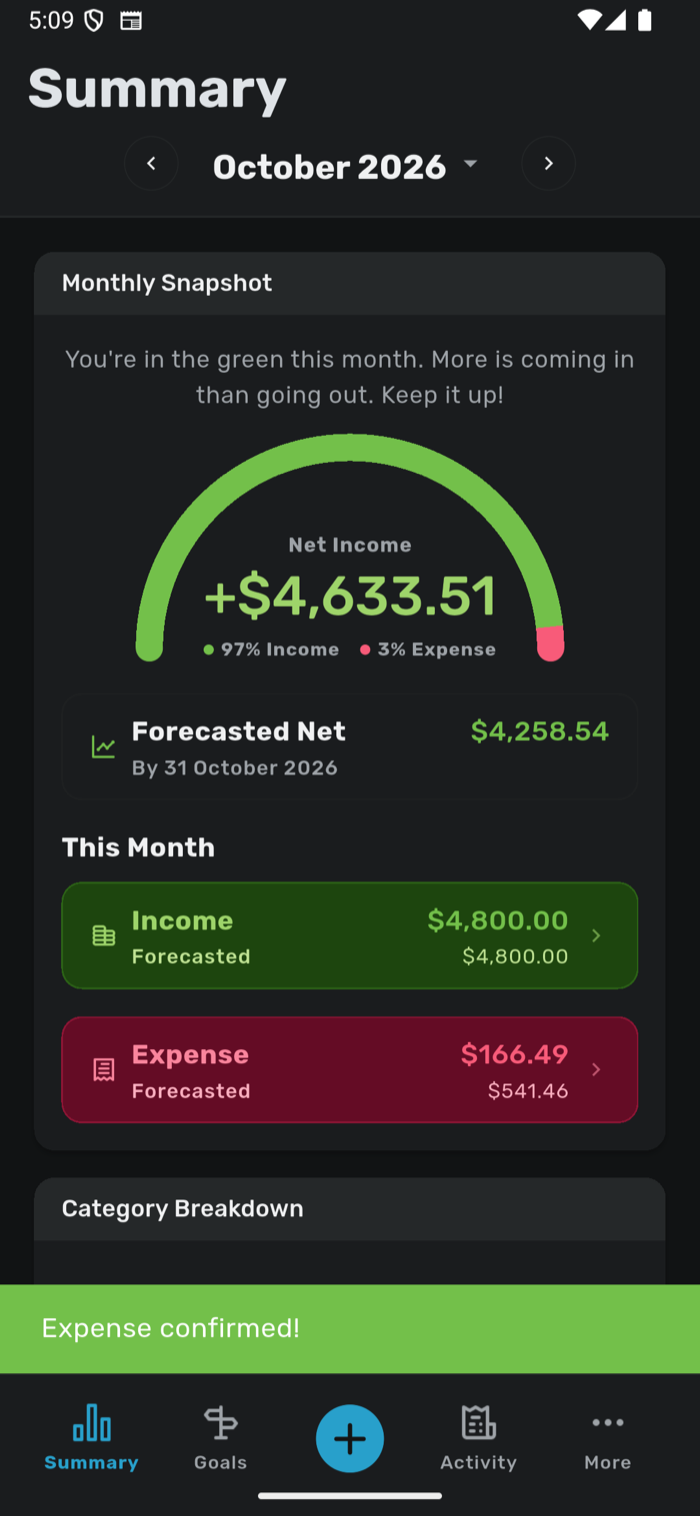
See Your Financial Snapshot
Head to the Summary screen and watch the new dashboard update in real time. A spending gauge, plain-language guidance, and a forecast tell you where you stand right now, no digging required.
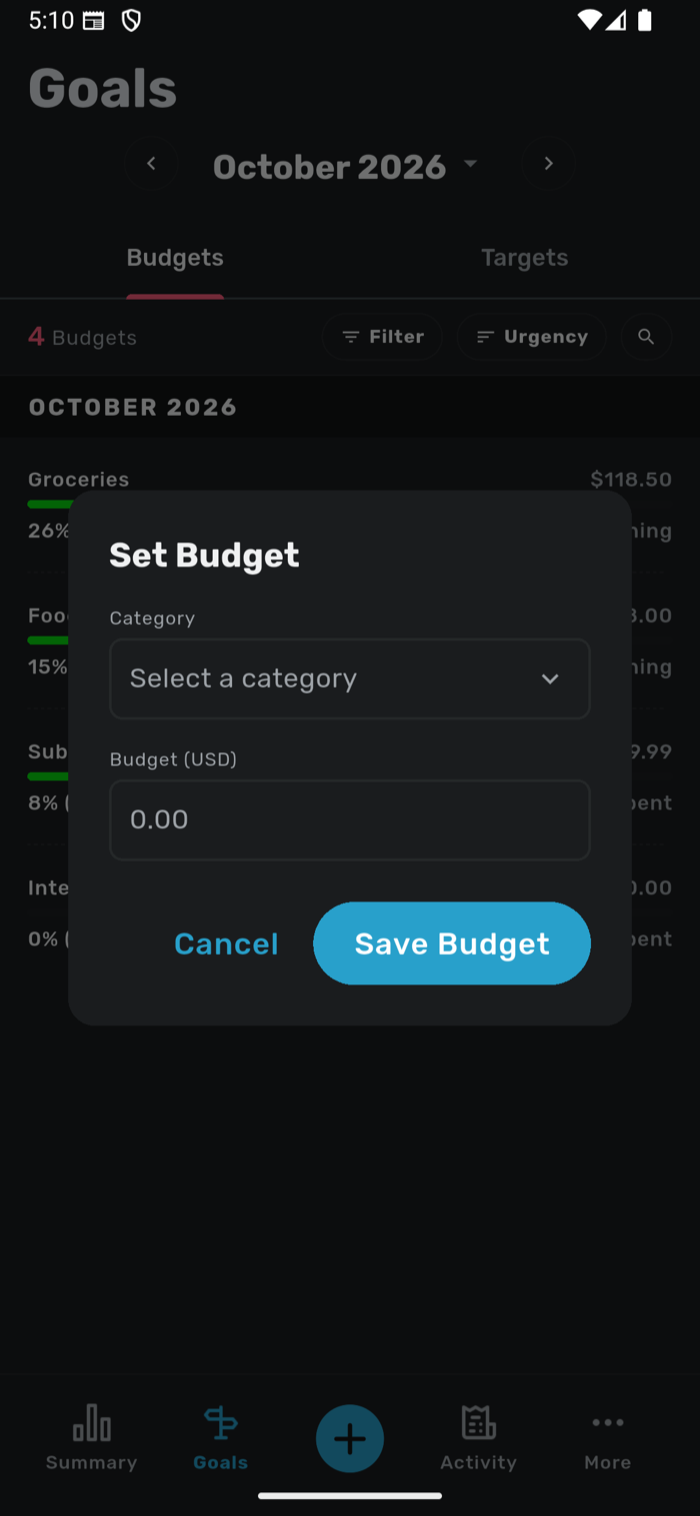
Set Your First Goal
Set a per-category spending limit, like "Dining Out: $200/month", and watch it turn from green (on track) to amber (caution) to red (over budget) as you spend. It's accountability without the guilt trip.
See It On All Your Devices
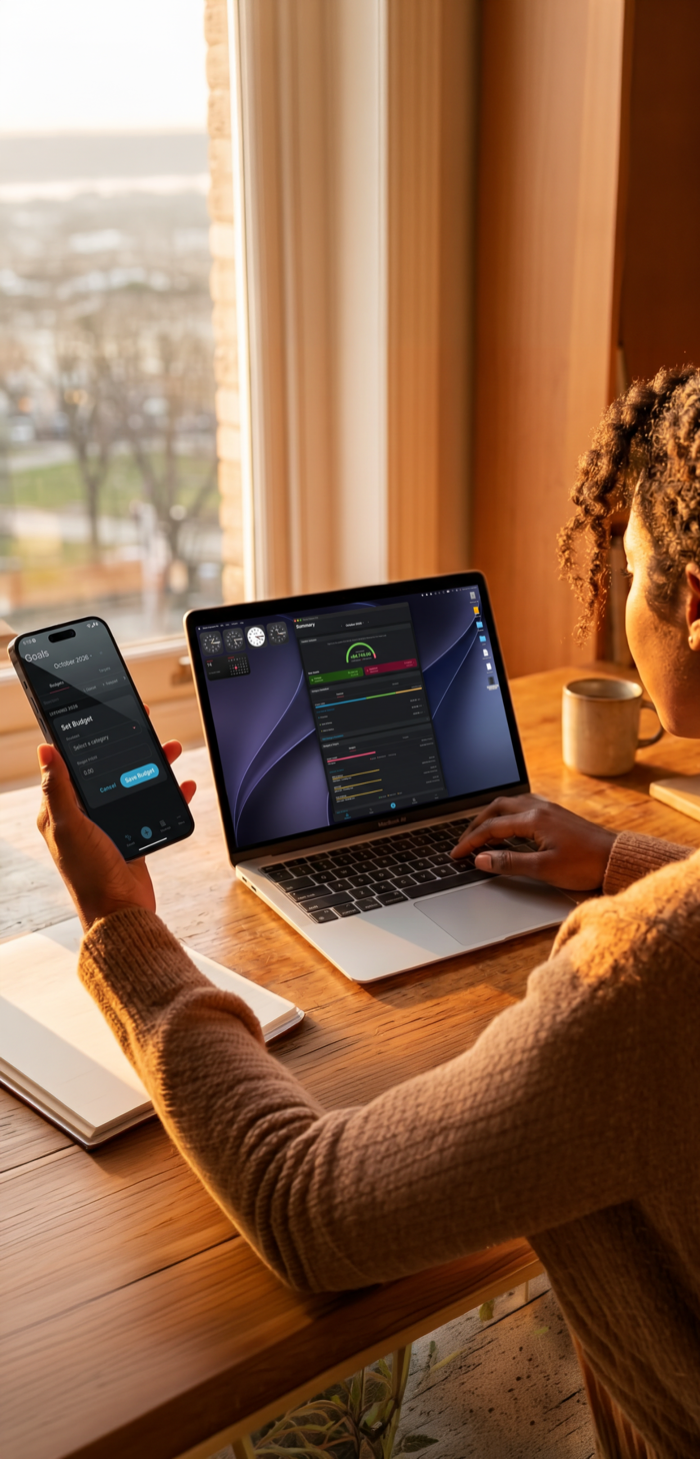
What you logged on your iPhone is already synced to your iPad and Mac. Review deeper insights, manage your accounts, or check your planned transactions, all from the device you're using right now.